Choose your challenge
Play White or Black against an unrated practice opponent, with Foundation, Intermediate, or Advanced settings.
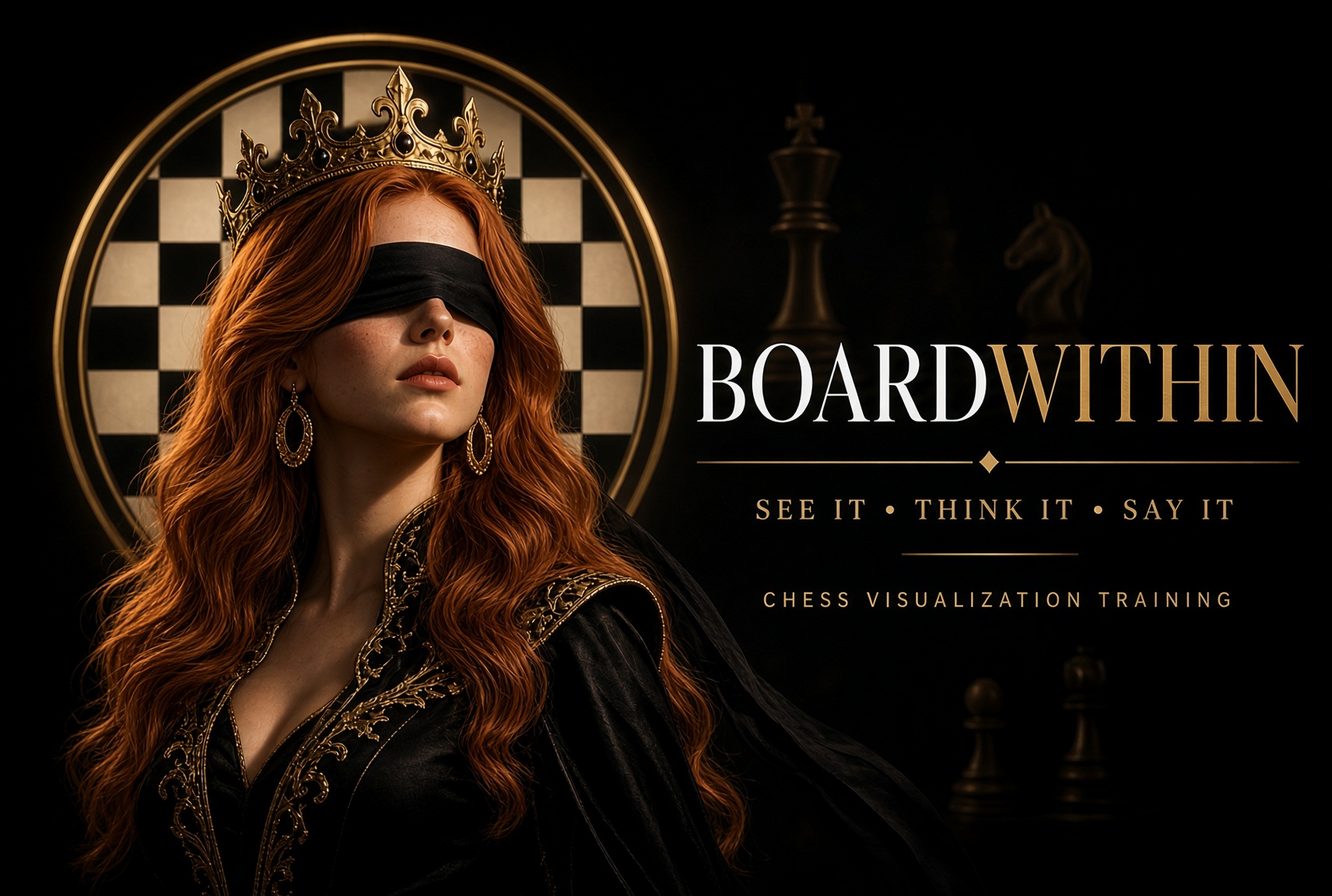
Chess visualization training for iPhone and iPad
BoardWithin helps you practice chess coordinates, remember positions, and calculate with hidden pieces—so you can follow the moves in your mind.
Voice-first training · Real chess positions · Blindfold Score
Available on theApp StoreTEN-LEVEL OVERVIEW · COORDINATES → MOVEMENT → RECALL → CHECKMATE
Training builds your internal map. Rapid Challenge develops recognition speed. Position Recall strengthens memory. Puzzles turn the mental picture into calculation. Blindfold Game brings it all together.
MEET ALL TEN TRAINING LEVELS →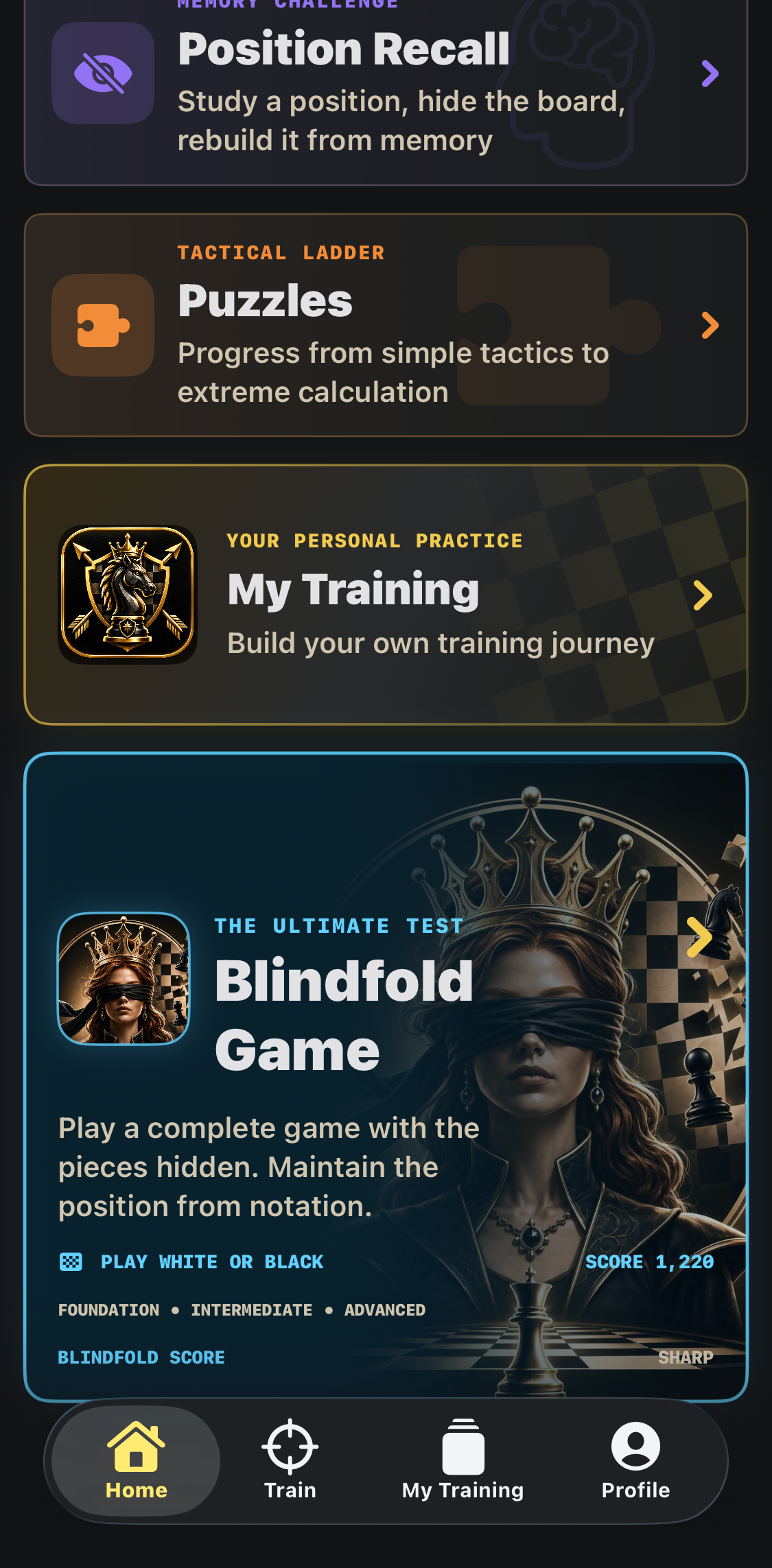
THE ULTIMATE TEST
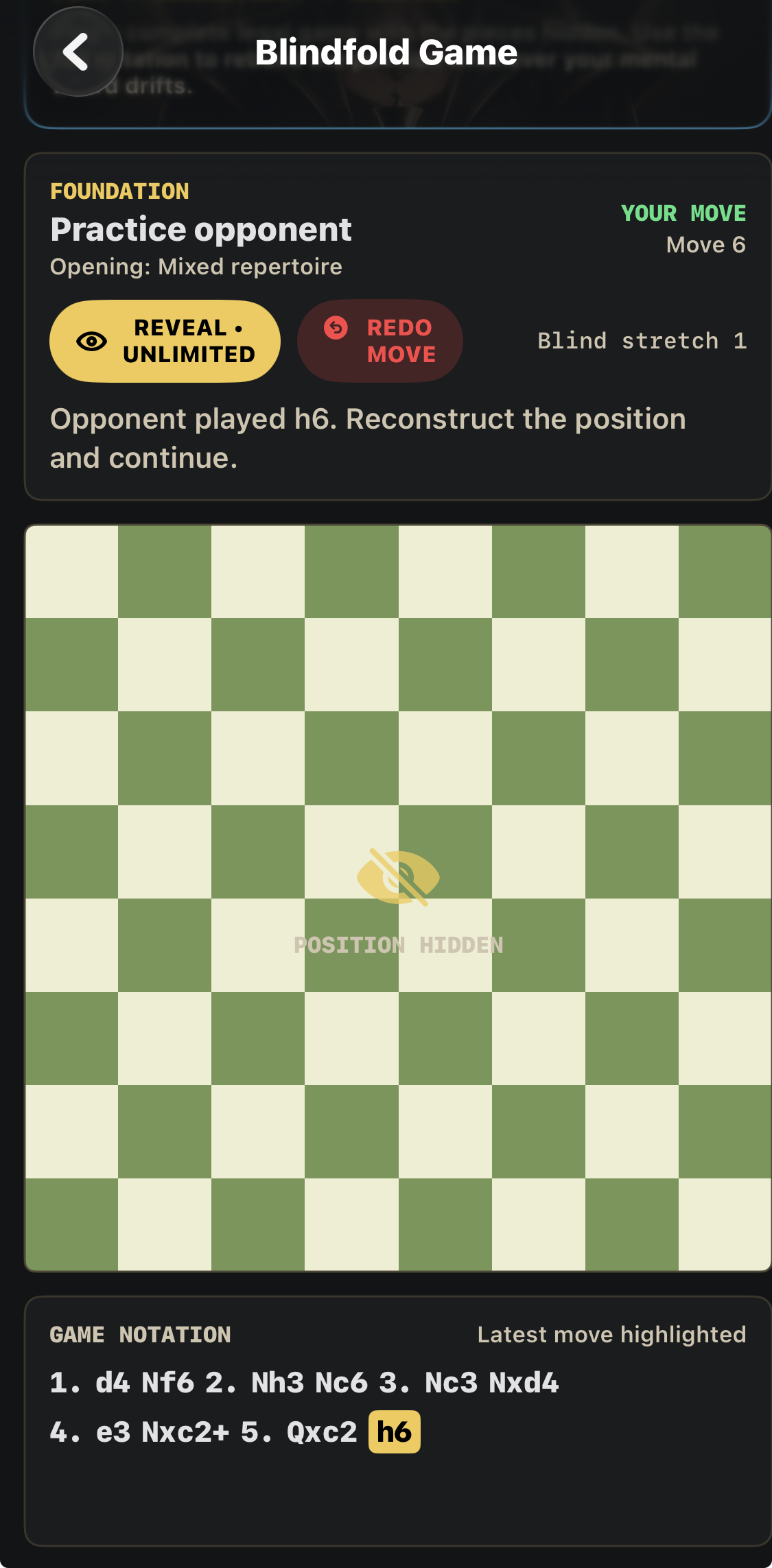
A separate full-game mode beyond the ten training levels. Play a complete legal game with the pieces hidden. Keep the position from the notation, speak your moves, and reveal the board when you need to reconstruct it.
Play White or Black against an unrated practice opponent, with Foundation, Intermediate, or Advanced settings.
Call moves and castling. Clarify the starting square when two pieces could make the move.
Use reveals, redo a misheard move, and return to your saved unfinished game.
Foundation offers unlimited reveals. Intermediate and Advanced let you earn them as you play.
Begin with Training Level 1. For a guided 8–12 minute practice session, open My Training → Daily Session. Blindfold Game brings your skills together in a full game.
THE BOARDWITHIN DIFFERENCE
Use your voice to answer supported exercises. Picture the answer, then say it out loud.
When a prompt appears, you visualize the answer and say it out loud. Voice recognition checks your response and moves you forward. That creates a tight learning loop between seeing the board, recalling the coordinate or move, and expressing it correctly in chess language.
Speaking the answer reinforces both recognition and chess-language fluency—useful when following notation, discussing positions, and calculating moves away from the board. Voice recognition currently supports U.S. English in v1.
WHY VISUALIZATION MATTERS
Books, courses, and lessons are filled with notation. With practice, players can read a move like Nf3 or Bb5 and picture what changed. If that is difficult, a board can help you follow along.
That usually means stopping the lesson, setting up a board or opening an app, moving the pieces manually, and then returning to the material. It works—but it is slow, breaks concentration, and makes it harder to absorb the ideas being taught.
FROM NOTATION TO VISUALIZATION
BoardWithin is designed to close the gap between reading notation and actually visualizing it. Through repeated coordinate, piece-location, movement, speed, and tactical exercises, the app gives you practice in building an internal chessboard.
The goal is to connect notation with a position you can picture, hold, and update mentally.
1. e4 e5 2. Nf3 Nc6 3. Bb5
A physical or digital board gives you a reference as you study.
1. e4 e5 2. Nf3 Nc6 3. Bb5
Practice following a line while keeping the position in mind.
THE SKILL UNDERNEATH THE LESSON
Chess books and courses can teach strategy, openings, and tactics—but you get more from all of them when you can hold the board in your head. BoardWithin trains that ability deliberately, one repetition at a time.
TRAINING LEVELS
Build the internal map first. Training begins with coordinates and gradually removes visual assistance, giving you repeated exposure to squares, piece locations, and legal movement patterns until the board becomes familiar without labels. Then take your hands off the screen. In Voice Mode, BoardWithin prompts you and listens for the answer—so you can name a square, or identify its color and piece in Square Recall. Full move entry, such as “Knight to e5”, belongs to the mate-training levels, Puzzles, and Blindfold Game.
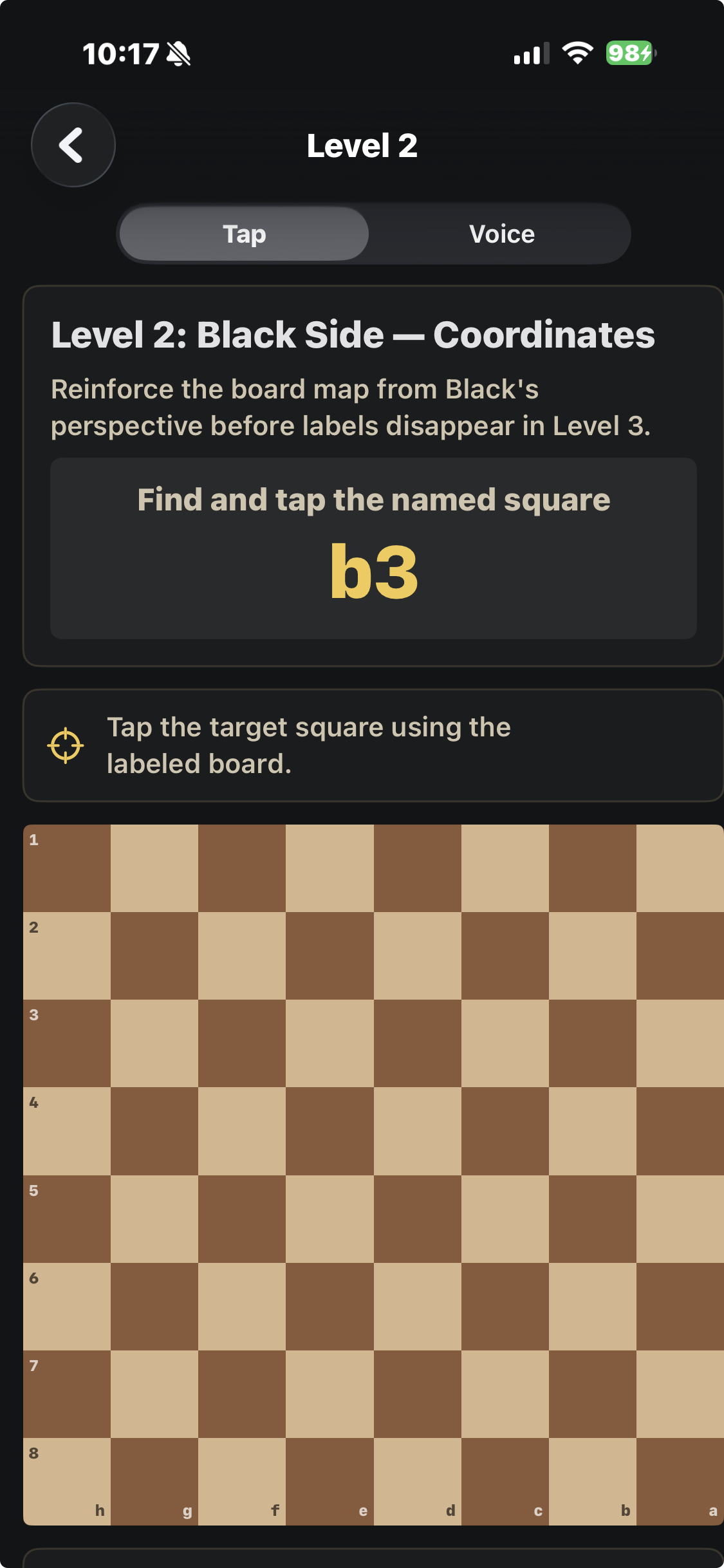
Ten levels build coordinates, movement geometry, recall, and playing simple endings to checkmate with the pieces hidden.
Find and name coordinates on a labeled board from White’s perspective.
White · LabelsPractice coordinates on a labeled board from Black’s perspective.
Black · LabelsRecognize coordinates from White’s perspective without labels.
White · No labelsRecognize coordinates from Black’s perspective without labels.
Black · No labelsCalculate a piece’s destination from White’s perspective.
White · MovementSolve the same movement geometry from Black’s perspective.
Black · MovementStudy, hide, then identify what occupied a named square.
Study · IdentifyStudy, hide, then locate the named piece.
Study · LocatePlay White through two-rook, queen, one-rook, and mixed stages, with the pieces hidden.
White · MatePlay Black through the same four stages, with the pieces hidden. Both levels use unlabeled boards.
Black · MateRAPID CHALLENGE
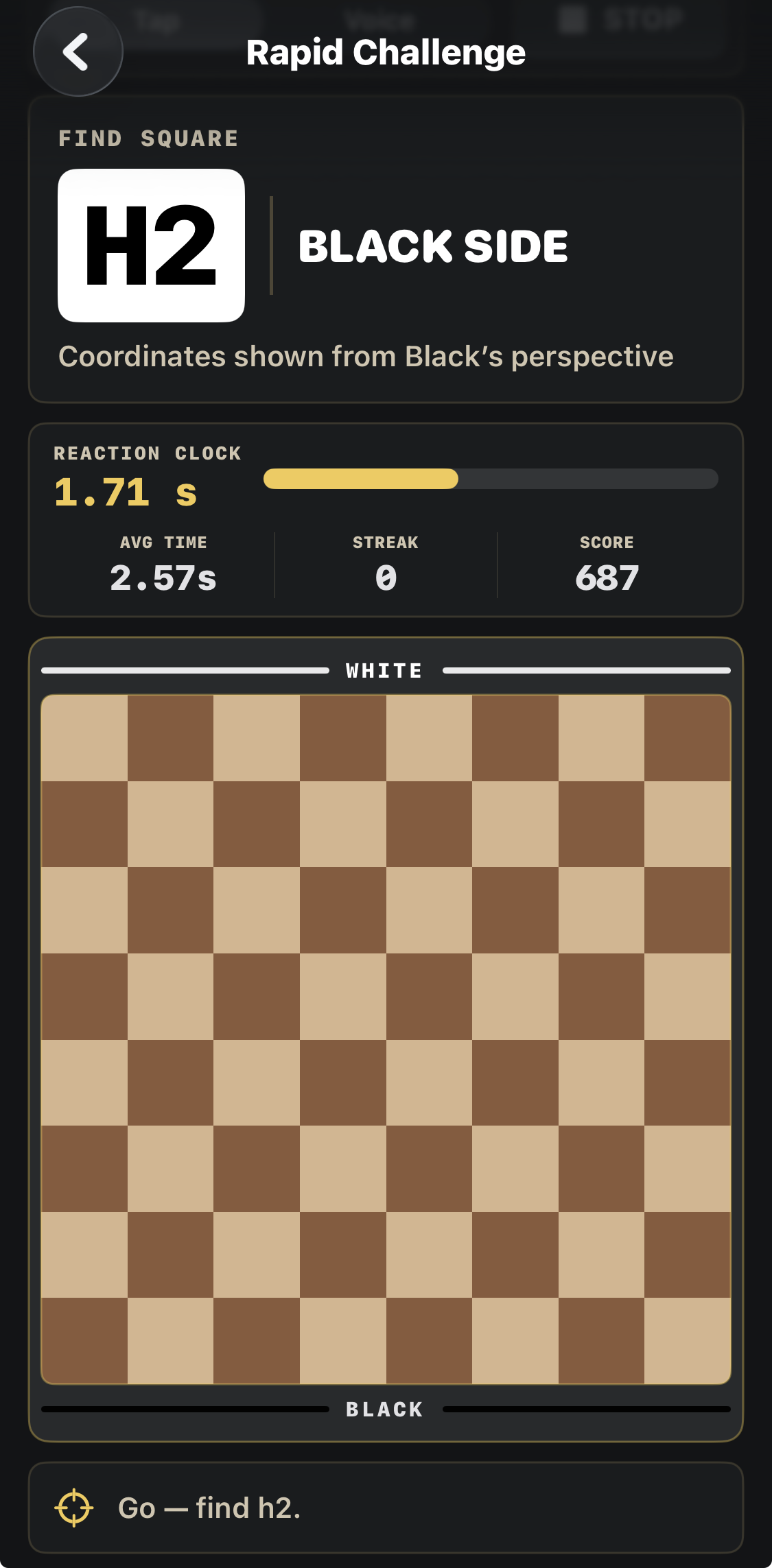
Practice recognizing squares against a shrinking reaction window. Average response time, streak, and Recognition Score track your performance in this drill. Choose Tap or Voice, and select White, Black, alternating, or random orientation. In Voice, name the marked square; a correct answer advances the challenge.

POSITION RECALL
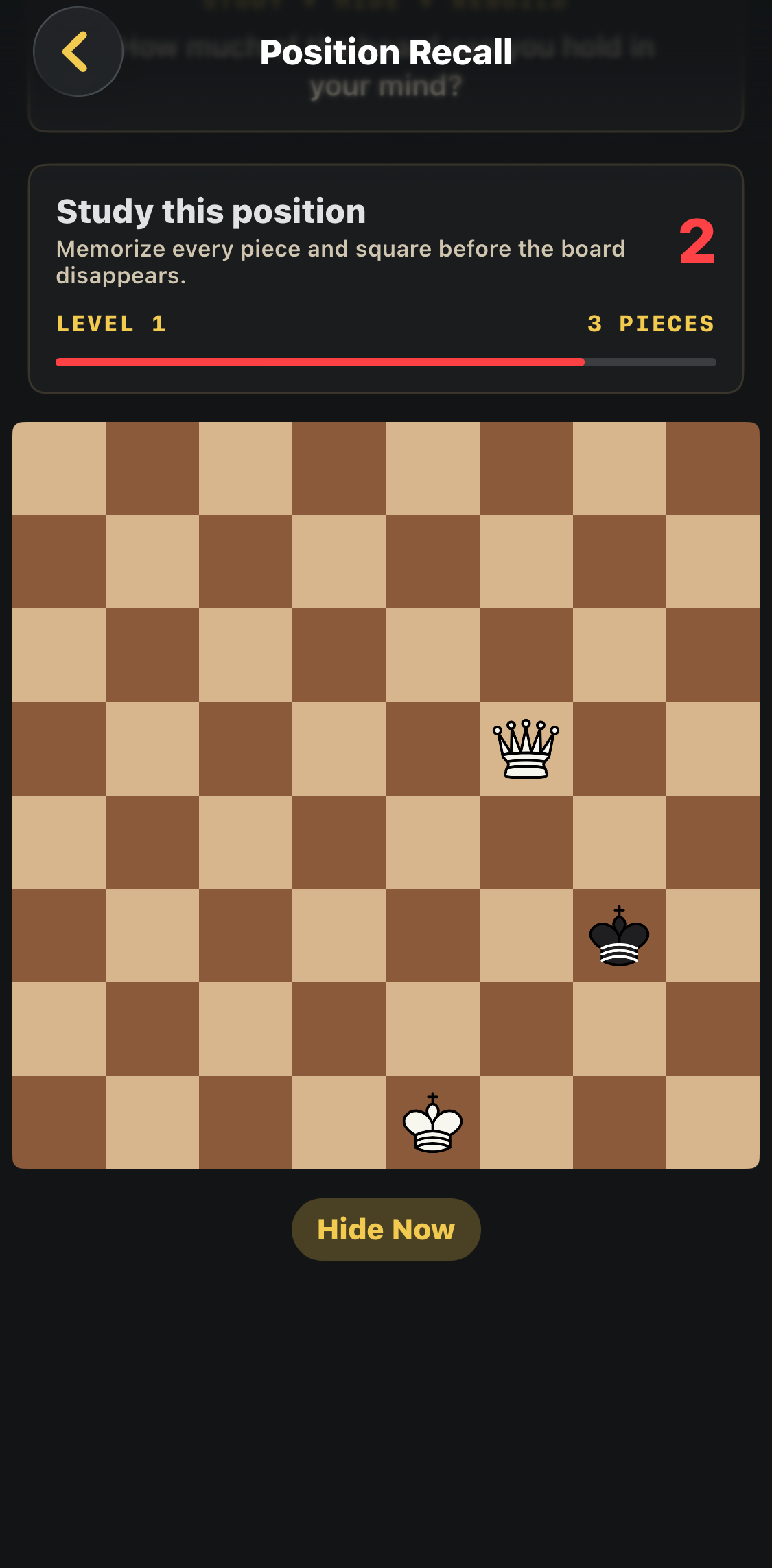
Position Recall trains your memory of piece locations. Study a real position, remove the visual reference, and reconstruct the board from memory. The goal is not to name coordinates—it is to hold an entire position in your mind.
PUZZLES
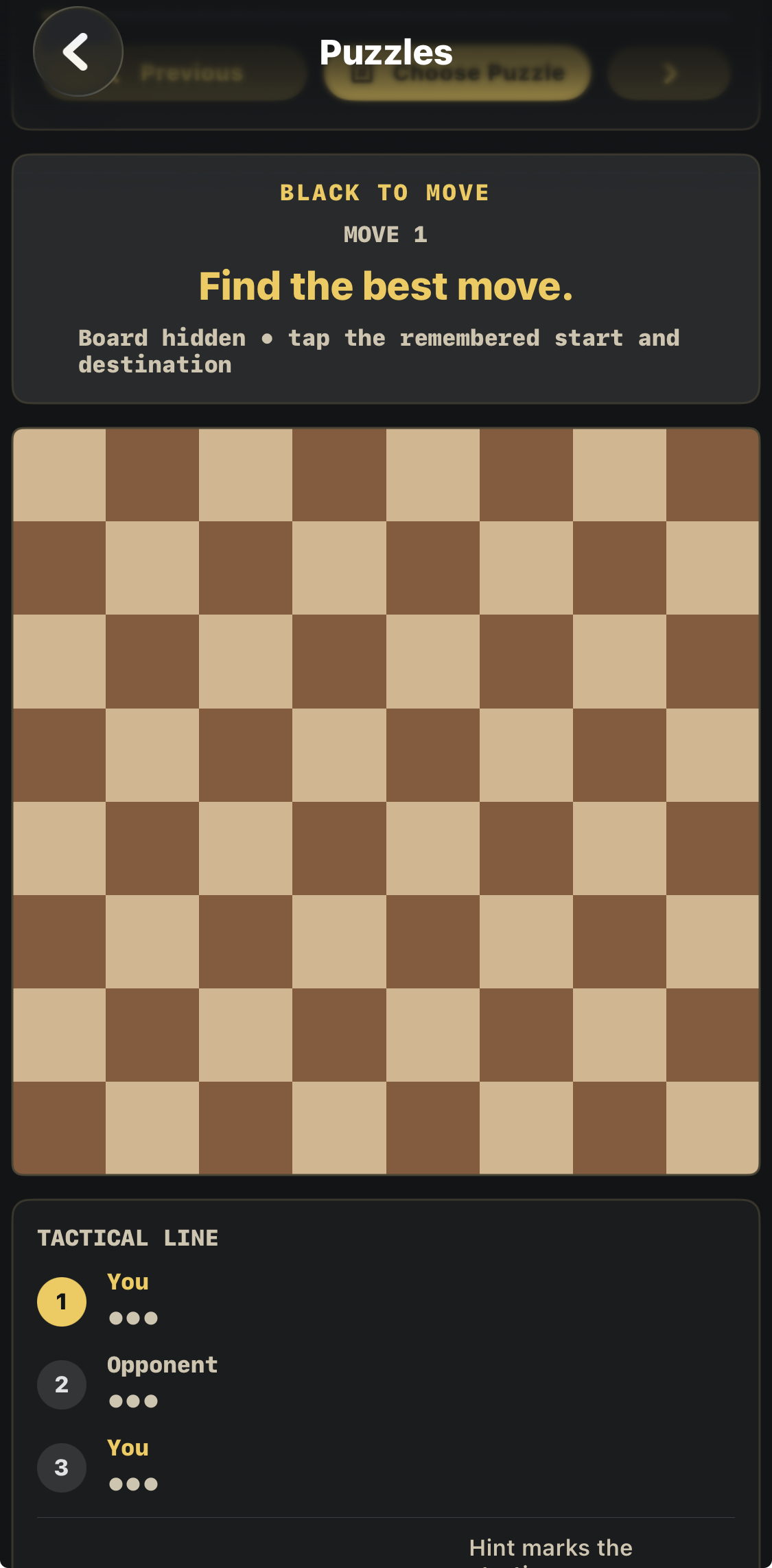
Puzzles turn visualization into calculation. BoardWithin includes 100 curated tactical puzzles from Lichess, rating-sorted from beginner to extreme difficulty. Instead of simply recognizing the board, you learn to spot recurring tactical ideas, hold positions in mind, process the opponent’s response, and visualize the continuation.
THE TWO SKILLS WORK TOGETHER
Strong chess calculation is not just about looking farther ahead. You also need to recognize what matters. BoardWithin combines repeated visualization training with curated tactical puzzle repetitions so the board becomes easier to hold in your mind and important tactical patterns become easier to recognize.
VISUALIZATION
Know where the squares and pieces are. Follow moves mentally. Hold changing positions in your head without rebuilding every move on a physical board.
PATTERN RECOGNITION
Solve 100 curated tactical positions and repeatedly encounter the structures that decide games. With enough repetitions, familiar tactical ideas can become patterns you recognize faster.
The goal is repetition with purpose: build a clearer internal board, then expose yourself to enough tactical patterns that you can identify promising ideas more quickly when similar structures appear in real games.
BOARDWITHIN
Train visualization deliberately—by sight, by speed, and hands-free by voice—to practice following books, courses, puzzles, and calculation in your head.
PRACTICE AWAY FROM THE APP
Build a clearer mental board, one small exercise at a time.
Start with two moves, not an entire game.
Remember the position—and notice exactly what changed.
Voice: requires microphone and Apple Speech Recognition permission. U.S. English is supported. Tap training remains available without Voice.